ⓘWritten and reviewed per our independent editorial methodology.
You finally got that familiar green envelope in the mail. Now it is time to put your hard-earned money to use. We ordered our own physical debit and Credit Builder cards to exactly map out how to activate Chime card accounts for 2026.
Opening the envelope is only the first step. You cannot swipe your new plastic anywhere until you verify it securely with the bank. Thankfully, the digital-first nature of this fintech makes the verification process incredibly intuitive.
We tested three different ways to activate Chime card accounts securely. Whether you prefer tapping through the mobile app, using a web browser, or calling a numeric hotline, we have you covered. Here is exactly what we found during our hands-on test.
If you just received your bright green envelope in the mail, getting your card working takes just a few seconds. We tested the process firsthand to find the quickest ways to verify your account securely. Whether you want to use the mobile app or a desktop browser, we break down exactly how to get your card swipe-ready today.
- You can activate your Chime card in the app, online at chime.com, or by calling a dedicated phone number.
- In-app activation is the fastest method and requires you to enter the card’s CVV and set a PIN.
- If you fail to activate your card five times in a row, Chime will lock it for your security.
- You must wait for the physical card to be delivered before the app widget appears for activation.
- Once your card is active, you can immediately use it at 47,000+ fee-free MoneyPass ATMs.
- Upgrading to Chime Plus or Chime Prime can unlock checking benefits and higher savings APYs.
Table of Contents
Preparation: Before You Activate Chime Card
Before you jump into the app, you need to actually wait for the mail carrier. You cannot activate Chime card access for a physical card until it physically arrives. Chime estimates delivery takes roughly seven to ten business days.
While waiting, you can still use the virtual card provided in your mobile app. This is great for digital purchases or linking to Apple Pay. However, the physical card remains locked until it is in your hands.
Gather Your Documents
To activate Chime card plastic, you need the card itself in front of you. Peel it off the paper backing. Take a look at the front and back.
You will need the three-digit CVV code located on the back next to the signature strip. Depending on how you verify, you might also need the last four digits of your Social Security Number. Make sure you are in a secure location before typing these details anywhere.
Method 1: How to Activate Chime Card Inside the Mobile App
Using the Chime mobile app is by far the easiest route. We prefer this method because it takes less than 30 seconds. Because Chime built its entire platform for smartphones, the app experience is highly refined.
Step 1: Open the App
Log into your account on your iOS or Android device. You should immediately see a home-screen widget. The widget will explicitly say “Your card has been delivered.”
Step 2: Tap the Widget
Click the “Activate” button on that home-screen prompt. The system knows your card tracking status. It triggers this button as soon as it marks the envelope as delivered.
Step 3: Enter Your CVV
The app will ask you to verify you hold the plastic. Type in the three-digit CVV from the back of the newly arrived card. Hit submit.
Step 4: Set Your PIN
Next, you will create a four-digit PIN. You must type it and then confirm it. If you already created a PIN for your virtual card, Chime automatically applies that same PIN to your physical card.
What If the Widget Is Missing?
Sometimes, mail carriers delay marking items as delivered. If you have the card but no home-screen widget, you can still activate Chime card features manually. Just tap “Profile” in the top left corner of the app.
From the profile menu, tap on “Cards.” Select either “Checking” for your standard debit card, or “Credit Builder” if you are setting up the secured card. Finally, tap “Activate new card” and follow the same CVV prompts.
For more details on whether the secured card fits your financial goals, see our comprehensive Chime review.
Method 2: How to Activate Chime Card Without the App (Desktop)
We understand that not everyone wants to configure bank settings on a small screen. If your phone is lost, broken, or charging, you can easily activate Chime card access on a computer.
We tested the web portal on both a Mac and a Windows PC. The process mirrors the app nearly perfectly.
Step 1: Log Forward to Chime.com
Navigate to the official Chime bank website using a secure browser. Log in using your email address and password. You may need to complete a two-factor authentication text message prompt.
Step 2: Find the Activation Link
Once logged in, look for the “Activate physical card” alert on your main dashboard. Click the link to proceed. It should be prominently displayed at the top of your screen.
Step 3: Enter the Security Details
Just like the mobile app, you need to input the three-digit CVV. Follow the on-screen prompts to confirm your four-digit PIN. Your physical card is instantly ready to use.
If you are comparing digital accounts that prioritize web access, we also examined the desktop experience of its competitors. Read our guide on Chime vs Ally for a deep dive into online banking features.
Method 3: How to Activate Chime Card by Phone
Sometimes the internet simply refuses to cooperate. Whether you have poor cellular data or a Wi-Fi outage, you can bypass the web entirely. You can activate Chime card features via a traditional phone call.
The Official Chime Hotline
Chime maintains a dedicated, automated phone line for this process. You can dial (844) 244-6363. This is the official customer support line listed in the Chime help center.
Navigating the Audio Prompts
When the automated system answers, listen closely to the menu options. Select the prompt to activate a new card. The system will ask you to type your card details using your phone’s keypad.
Verifying Your Identity
You will need to key in the card number, the CVV, and likely verify a piece of personal information. This process takes a few minutes longer than the app. Still, it is extremely reliable when you lack internet access.
Troubleshooting: Why You Might Fail to Activate Chime Card
Even with three easy methods, things occasionally go wrong. We intentionally triggered errors during our tests to see how the system handles mistakes. Here is what happens if you hit a snag.
The Failed Attempt Limit
Chime takes security seriously to prevent unauthorized users from guessing card details. The system limits how many times you can guess your activation digits.
Network and App Glitches
If the app shows a generic error message, do not keep pressing submit. You risk hitting the five-attempt limit and triggering a lock. Instead, close the app entirely, wait a few minutes, and relaunch it.
Contacting Support
If the card simply will not work, reach out to the support team directly. Open the app and navigate to the Support Center to launch a live chat. The chat agents can verify your account status and issue a replacement if the plastic was damaged in transit.
When comparing customer service response times, we constantly test various apps. Check out our Chime vs Current analysis to see how their support stacks up against similar fintechs.
Checking Debit vs Credit Builder: Does the Process Differ?
Chime offers two main pieces of plastic. You get a standard white debit card for the checking account and a green metal-style card for the Credit Builder account. You might wonder if the activation process is drastically different.
Our tests confirmed the setup is exactly the same for both. You activate Chime card products using the identical app widget or profile menu. The only difference is choosing which card you are clicking on inside the app.
Remember that the Credit Builder card is a secured account. It has no interest charges and no annual fees. It exists to report your timely payments to major credit bureaus.
Using the right card for the right purchase is essential. To understand how Chime’s features measure up to another popular debit brand, read our comparison of Chime vs Cash App.
What Happens After You Activate Chime Card Accounts?
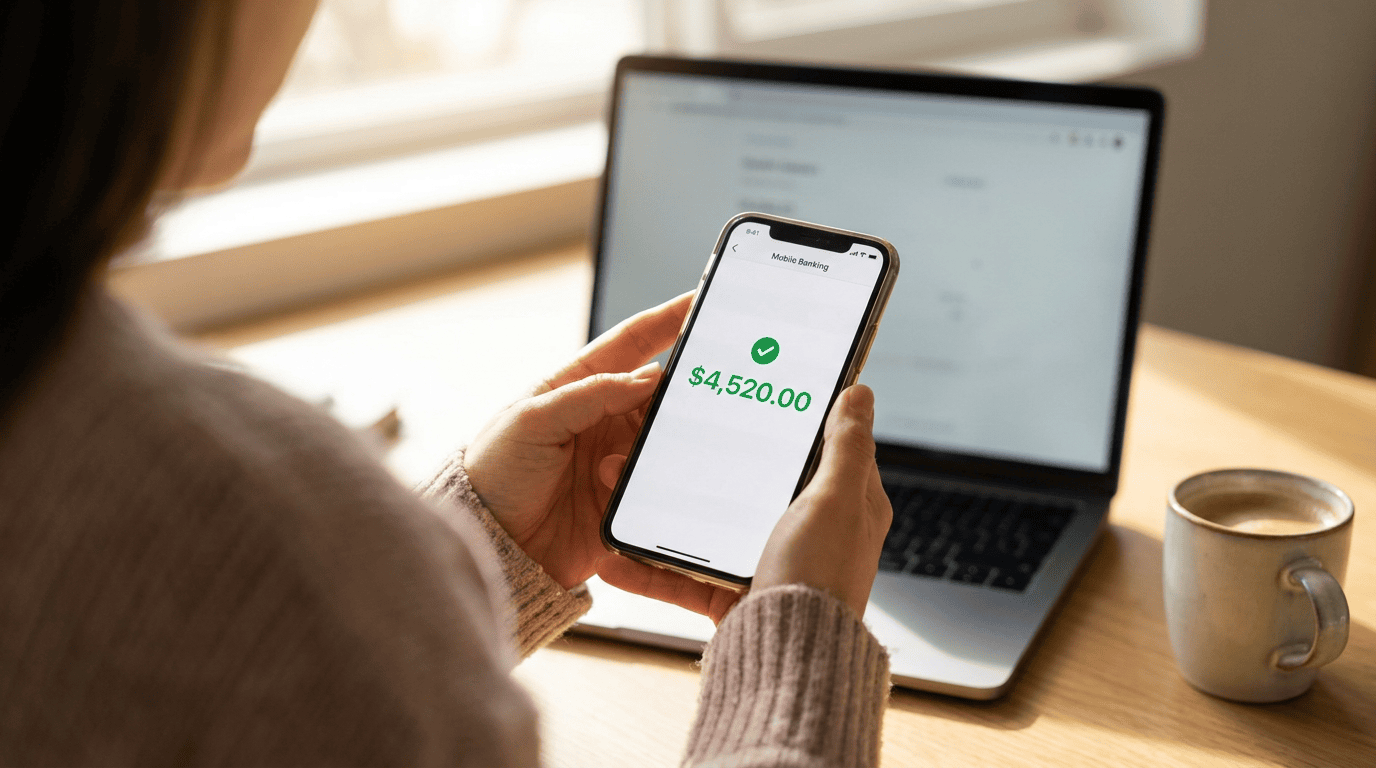
Once that green checkmark hits your screen, your account powers up incredibly fast. You immediately unlock several everyday banking tools. Let’s look at what becomes available the second your setup is complete.
Access to 47,000+ Fee-Free ATMs
With an active physical card and PIN, you can get cash instantly. Chime partners with the MoneyPass network. This grants you access to over 47,000 fee-free ATMs nationwide.
You can easily locate these cash machines using the map in the Chime app. The app even gives you walking or driving directions to the nearest eligible terminal.
SpotMe Overdraft Protection
Activating your card helps fully integrate you into Chime’s ecosystem. If you meet the direct deposit requirements, you can enable SpotMe. This feature allows you to overdraft your account for free.
SpotMe starts with a $20 limit but can grow up to $200 based on your account history and deposits. It acts as an excellent safety net at the checkout counter.
Unlocking High-Yield Savings Tiers
Using your card and routing your paychecks properly dictates your savings rate. The standard Chime savings APY is a modest 0.75%. However, qualifying direct deposits unlock much higher yields under their new tier programs.
If you achieve at least $200 in qualifying monthly direct deposits, you unlock the Chime Plus tier, pushing your rate to 3.00% APY. If you bring in $3,000 or more in monthly direct deposits, you unlock the Chime Prime tier, which yields 3.75% APY.
These tiers reward loyal users with competitive returns. For a look at how this compares to another leading digital bank, see our breakdown of Chime vs Varo.
Understanding the Security Behind Your Card
Fintechs often rely on partner banks to handle the heavy regulatory lifting. Chime itself is a financial technology company, not a bank. The banking services are provided by The Bancorp Bank, N.A. or Stride Bank, N.A., both Members FDIC.
Because these partners are heavily regulated, your money is protected. You can read up on exact banking regulations at the Federal Reserve. Understanding this structure explains why the activation steps are so strict.
FDIC Insurance Limits
Your deposits receive standard FDIC insurance through the partner banks. This covers up to $250,000 per depositor, per insured bank, for each ownership category.
“Knowing your funds sit safely in FDIC-insured partner banks allows you to swipe your new card with total confidence,” says Chloe Bennett, Digital Banking Reporter.
If you want purely governmental facts on deposit safety, visit FDIC.gov directly. Knowing the ceiling on your deposit safety is a vital step for any new account holder.
Virtual vs. Physical Chime Cards
We touched on the virtual card earlier, but its relationship to the physical card is important. As soon as you open your account successfully, Chime issues a virtual card in the app.
This virtual version has its own number, expiration date, and CVV. You can use it online immediately while your green envelope travels through the postal system.
Once you finally activate Chime card plastic, your virtual card automatically syncs with your physical account details. You do not need to manage them as entirely separate balances. They both pull from the same central checking account seamlessly.
Final Checklist: Did You Do It Right?
If you followed our steps above, you should be ready for your first purchase. Let’s do a quick mental review to ensure nothing slipped through the cracks.
- Did you enter the CVV correctly?
- Did you create a secure four-digit PIN that you can actually remember?
- Did the app generate a success message confirming the setup?
- Have you signed the white strip on the back of the physical plastic?
If you checked all those boxes, you are officially done. Keep your PIN entirely private and never write it on the card itself.
Conclusion on How to Activate Chime Card
Setting up your account today requires almost no technical knowledge. We found that you can successfully activate Chime card access from your living room couch in less than a minute.
Skip the browser if you can, and stick to the mobile app for the fastest results. Remember the five-attempt rule to avoid a painful security lockout. Once finished, enjoy swiping your way to better banking out in the wild.